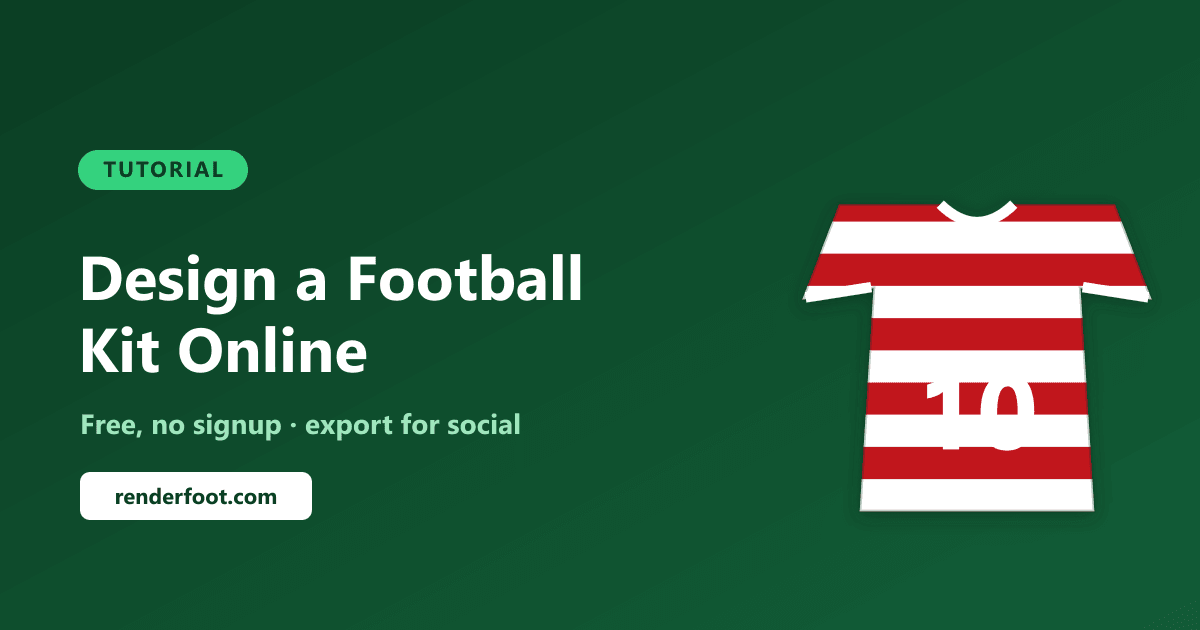
You can design a custom football kit online for free in the RenderFoot Kit Designer in about five steps — pick a collar and sleeves, set your colors, choose a pattern, add a name, number and badge, then export a social-ready PNG. No signup, no watermark, no cost.
This guide walks through the whole process, whether you're mocking up a concept kit for Instagram, designing your Sunday-league strip, or making a graphic for your fan page.
Step 1: Choose your collar and sleeves
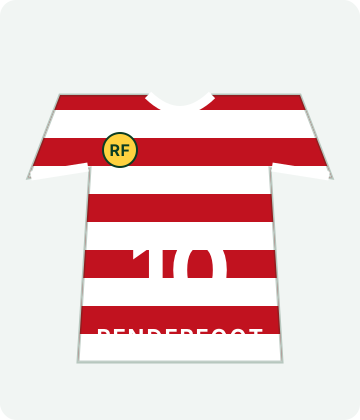
Start with the shape. The kit designer offers five collar styles — V-neck, round neck, polo, mandarin, and a retro V — plus short or long sleeves. The collar sets the whole tone: a polo collar reads classic and clean, a retro V leans throwback, a round neck is the modern default. Pick the one that matches the era or vibe you're going for.
Step 2: Set your colors
Every kit uses three colors: a primary (the main shirt color), a secondary, and an accent/trim for collars and cuffs. The biggest mistake in kit design is low contrast — if your pattern color is too close to the base, it disappears. Pick a primary and secondary that clearly stand apart, and use the accent sparingly on the trim to tie it together.
Step 3: Pick a pattern
This is where a kit gets its identity. The designer includes 12 pattern styles — vertical stripes, horizontal hoops, a diagonal sash, halves, quarters, gradient, chevron, pinstripes and more — with an adjustable pattern scale so you can make stripes thick and bold or thin and subtle.
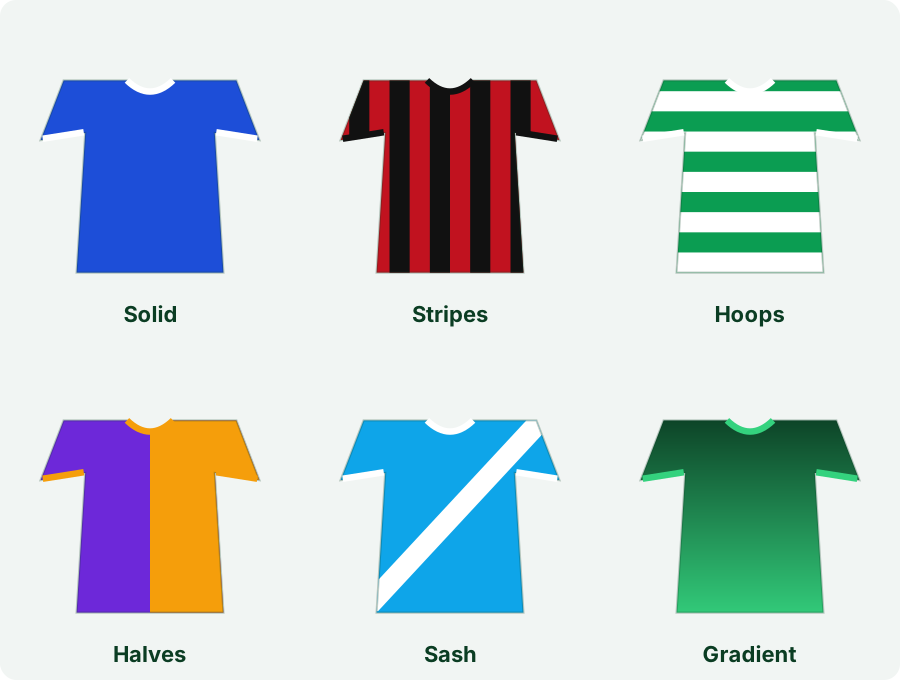
A few classics to borrow from: stripes (Barcelona, Milan, Newcastle), hoops (Celtic, QPR), a sash (River Plate, Rayo Vallecano), or clean halves (Blackburn). When in doubt, simpler designs age better.
Step 4: Add your name, number, sponsor and badge
Now make it yours:
- Team name and player name + number on the front and back, with font styles ranging from block to classic, modern, sport and retro.
- Sponsor text or logo — upload your own image and position it on the chest.
- Badge / crest — upload a custom badge and place it on the left chest, center, or right chest.
Everything is positionable, so you can nudge the number, name and badge until the layout looks balanced.
Step 5: Export for social media
When you're happy, export. The designer outputs a clean PNG sized for the platform you're posting to — Instagram Post, Story/Reels, Twitter/X, or Facebook — so your concept kit fits the feed perfectly with no cropping. Download it and share.
Tips for a kit that looks professional
- Contrast first. If you can't read the number from across the room, the colors are too close.
- Pick one hero element. A bold pattern or a loud sponsor — not both. Let one thing carry the design.
- Match trim to detail. Use the accent color on the collar and cuffs to frame the kit; repeat it once more (sponsor or number outline) for cohesion.
- Look at real kits. The best concept designs riff on classics. Browse your club's history for inspiration.
Frequently asked questions
Is there a free football kit creator?
Yes — the RenderFoot Kit Designer is completely free with no signup required, and exports your design as a PNG with no watermark.
Do I need to sign up or download an app?
No. It runs in your browser, so there's nothing to install and no account to create. Just open the Kit Designer and start.
Can I add my own badge and sponsor logo?
Yes. You can upload a custom crest and a sponsor logo, position them on the shirt, and add sponsor or team text in several font styles.
What size are the exported images?
You can export presets sized for Instagram Post, Story/Reels, Twitter/X, and Facebook, so the kit fits each platform without cropping.
Make your kit now
Designing a football kit takes about five minutes once you know the steps. Open the free Kit Designer, pick your colors and pattern, add your badge and number, and export it for social. For more creative football graphics, see our guide to creating lineup graphics for social media.