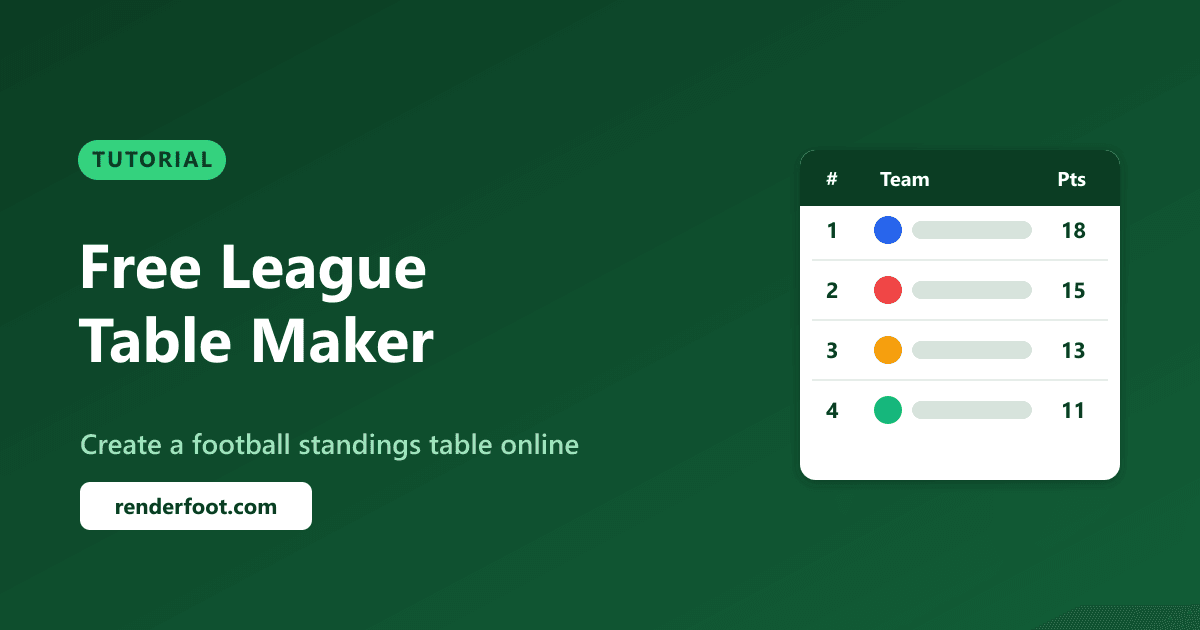
Whether you're managing a Sunday league, organizing a school tournament, or tracking a fantasy football competition, a clean league table is essential. In this guide, we'll show you how to create one in minutes — completely free, no signup required.
Why Use an Online League Table Creator?
Spreadsheets get the job done, but they look terrible when shared. A dedicated league table tool gives you:
- Professional look — clean, formatted standings you can share or embed
- Automatic sorting — teams ranked by points, goal difference, and goals scored
- Easy updates — add results and the table recalculates instantly
- Shareable graphics — download as PNG or embed on your website
- No formulas to break — unlike Excel, the logic is built in
Step-by-Step: Create Your League Table
Step 1: Open the League Table Creator
Head to the RenderFoot League Table Creator. No account or signup required.
Step 2: Add Your Teams
Enter your team names. You can add as many teams as your league needs — from a 4-team mini-league to a full 20-team competition.
Step 3: Enter Match Results
For each matchday, enter the scores. The table automatically calculates:
- Points (3 for a win, 1 for a draw, 0 for a loss)
- Goal difference (goals scored minus goals conceded)
- Goals scored and conceded
- Matches played, won, drawn, and lost
Step 4: Customize the Look
Personalize your table with:
- Team colors or badges
- Custom column visibility
- Title and competition name
- Color themes
Step 5: Download or Share
Once your table looks perfect:
- Download as PNG — perfect for sharing on social media, WhatsApp groups, or printing
- Embed on your website — use the embed code to add a live table to your blog, team website, or school page
Use Cases
Sunday League / Amateur Football
Track your local league standings week by week. Share the updated table in your WhatsApp group after each matchday.
School & University Tournaments
PE teachers and sports coordinators can create professional-looking tables for inter-class or inter-school competitions.
Fantasy Football Leagues
Running a private fantasy league with friends? Track everyone's points in a proper standings table instead of messy group chat messages.
YouTube & Content Creators
Creating football content? Generate clean league table graphics for videos, thumbnails, or social media posts.
Coaching & Team Management
Coaches managing multiple age groups can track each team's league progress in one place.
Tips for a Great League Table
- Update regularly — keep the table current after each matchday
- Use consistent team names — avoid abbreviations that confuse people
- Add context — include the competition name and season in the title
- Share the graphic — a PNG image is easier to read than raw text in group chats
- Embed for live updates — if you have a website, the embedded version stays current
Frequently Asked Questions
Is the league table creator really free?
Yes, completely free. No signup, no watermarks, no hidden costs. You can create, customize, and download your table at no charge.
Can I create a league table for any sport?
While designed for football, the table structure works for any sport that uses points-based standings — futsal, handball, basketball leagues, and more.
How many teams can I add?
There's no hard limit. Whether it's a 4-team group stage or a 20-team full season, the tool handles it.
Can I embed the table on my website?
Yes! Use our embed tools to get an embed code you can paste into any website, blog, or CMS.
Create Your Table Now
Ready to get started? Head to the League Table Creator and build your first table in under 2 minutes.
You might also find these tools useful:
- Tournament Bracket Generator — for knockout competitions
- Fixture Generator — to create match schedules
- Lineup Builder — to create starting XI graphics
RenderFoot's League Table Creator is free, fast, and requires no signup. Create professional football standings for any competition.